New Schüco website – the first part is online

The Schüco website now has a revised structure and a new target group world for you as an architect. This presents the current challenges facing the industry and offers comprehensive solutions from Schüco. Each area is specifically tailored to your needs as a user.
Trainer1185

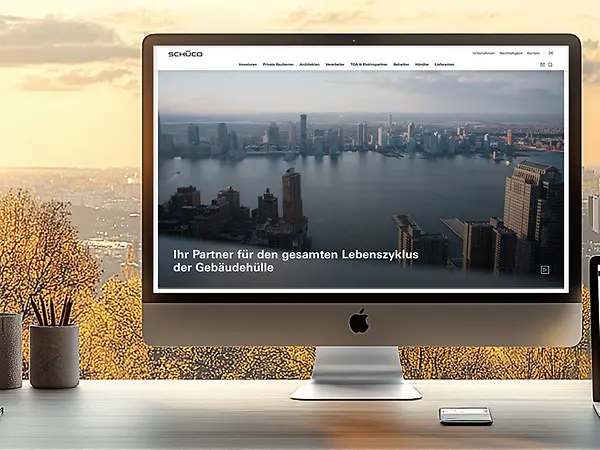
The new main homepage:

www.schueco.in allows you to access your new target group world as a processor quickly and directly with just one click.

onboarding_architekt_Zielgruppe

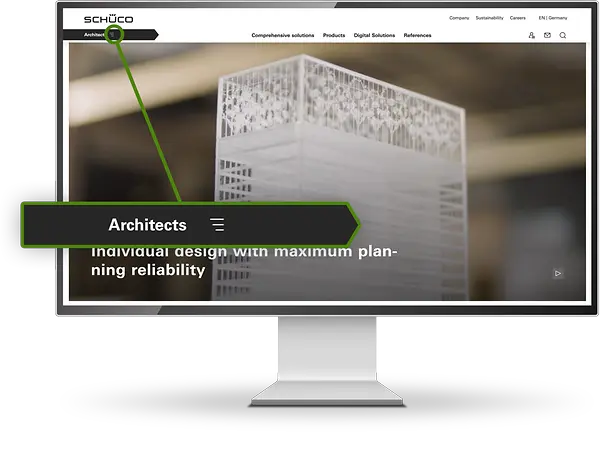
Your new homepage for architects:

The new navigation bar below the Schüco logo shows you immediately that you are in the right area.

Discover relevant topics on the homepage, such as decarbonization and the circular economy, as well as the new direct entry “My workplace” and current events.

onboarding_architekt_Loesungen

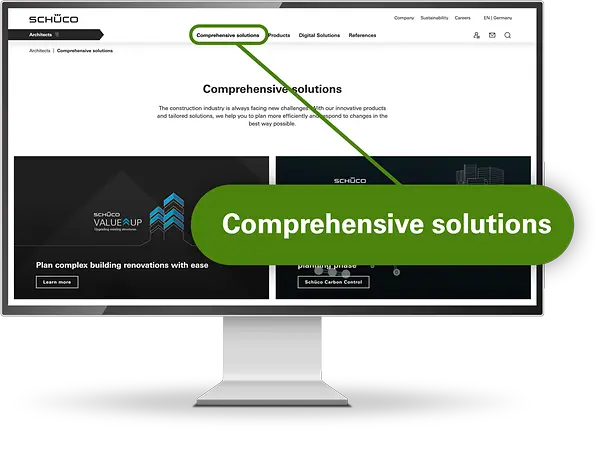
Comprehensive solutions:

New under the navigation point Comprehensive solutions: We offer answers to industry-relevant challenges such as decarbonization through our Carbon Control solution, as well as circular economy and fire and smoke protection.

onboarding_architekt_Produkte

Products and digital tools:

Schüco offers you the right products for your building requirements, as well as digital tools to support you from planning to documentation.

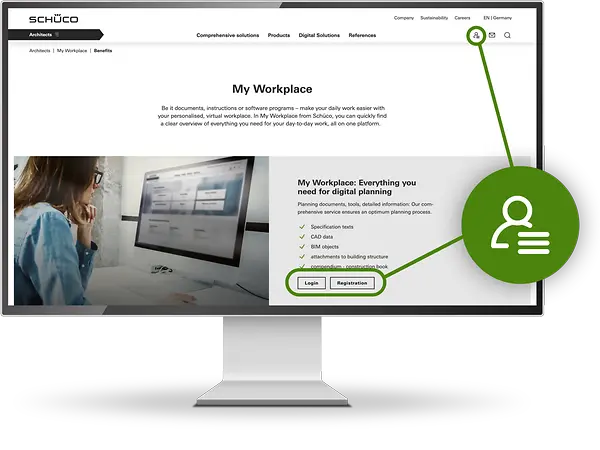
onboarding_architekt_meinarbeitsplatz

My workplace

The homepage now allows you to access your personal work environment directly, including tender specifications, CAD data, BIM objects, structure attachments and the Schüco Compendium. You can also access “My workplace” using the icon on the right.

FAQs

I've forgotten my password / can no longer log into My Workplace.

If you've forgotten your password or can no longer log into My Workplace, you can reset it here. You will receive an e-mail with a link, through which you can set a new password.


When registering as a fabricator for My Workplace, I need to enter a customer number. Where can I find this?

As a fabricator, you will receive a customer number from your Schüco contact person. You will need to enter this number when you register. If you don't know this customer number yet, please get in touch with your Schüco contact person.

I've accidentally registered for the wrong target group. How can I change it?

Unfortunately, if you have registered for the wrong target group, you will have to delete your existing registration in order to re-register as a fabricator. You can do this in the following ways:  

As soon as your account is deleted, you can re-register as a fabricator.

I have received the following error message: Your account is not registered for this target group. Please use the target group selected during registration.

If you receive this error message, then you have tried to log in to another target group than the one you have registered with. This may be for the following reasons:

If the problem persists, please contact us at: login@schueco.com

I have received the following error message: Your user name or password is incorrect.

Please check that the e-mail address you have entered is correct and ensure that you have entered the same password you used when you first registered. If login does not work, please send an e-mail to login@schueco.com. Ideally, attach a screenshot of the error message, showing the URL too. We will then work together with you to find a quick solution.

I have received the following error message: Your account is not registered for this country. Select the country you have registered with.

If you receive this error message, then you have probably registered on a non-German Schüco website. Please send an e-mail to login@schueco.com, so that we can look into your issue.